
Milvaflow:
Send Mobile Money in Seconds
Pay anyone with MTN Mobile Money without going through the *182# menus. Type the amount, choose who to pay, and enter your PIN on MTN's screen.
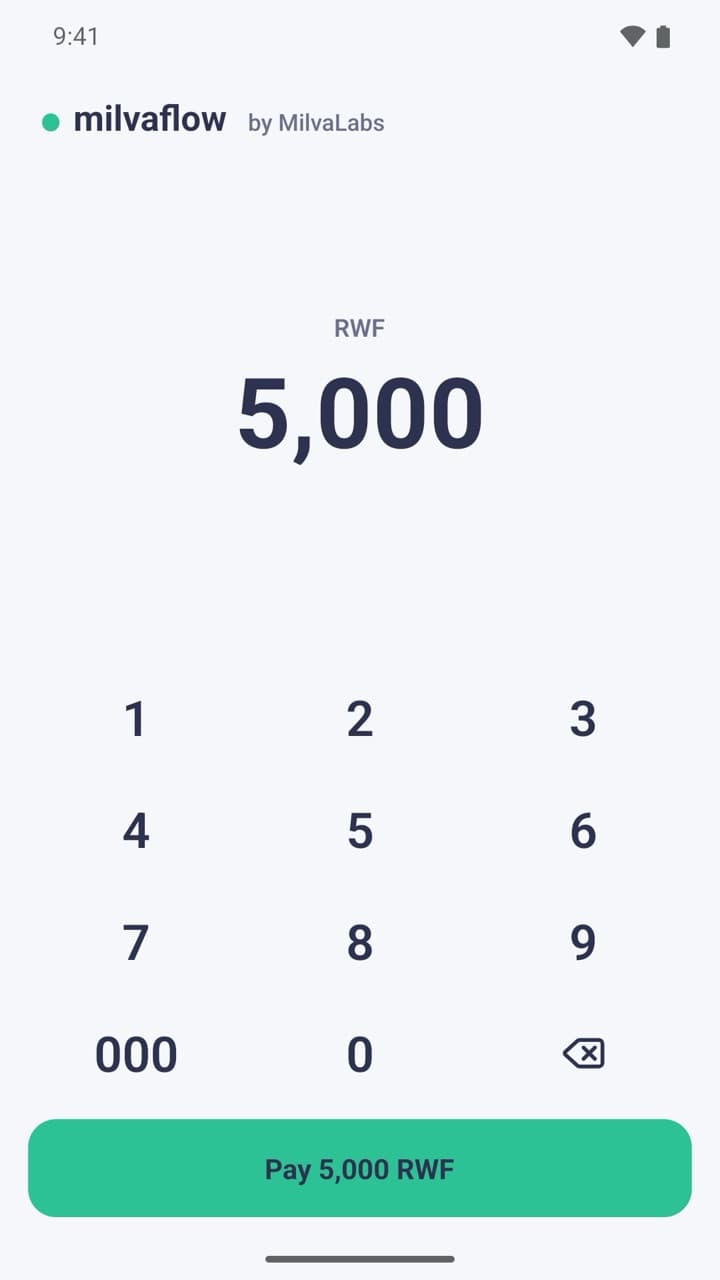
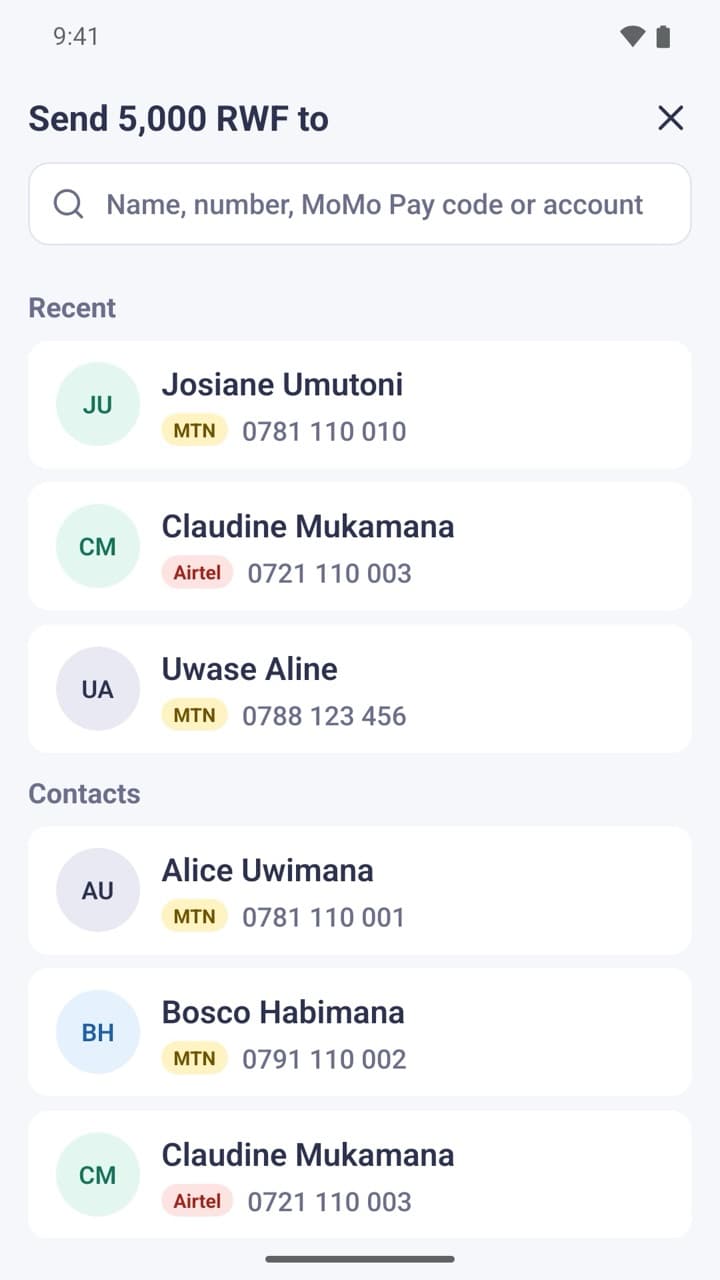
Type, Pick, Pay
Milvaflow does not hold money or process payments. It dials the MTN Mobile Money code for the payment you enter, and MTN processes it once you confirm with your PIN.
No More *182# Menus
Type the amount on a large number pad, choose who to pay, and Milvaflow dials the full code. MTN's own screen then asks for your PIN.
Pay Anyone
MTN and Airtel numbers, MoMo Pay merchant codes, and bank accounts through eKash.
One-Tap Repeat
Search your contacts by name or number. Recent recipients stay at the top, so paying someone again or retrying a failed payment takes one tap.
Private by Design
No account, no ads, no tracking, and no internet access. Your contacts stay on your phone, and Milvaflow never sees your PIN.
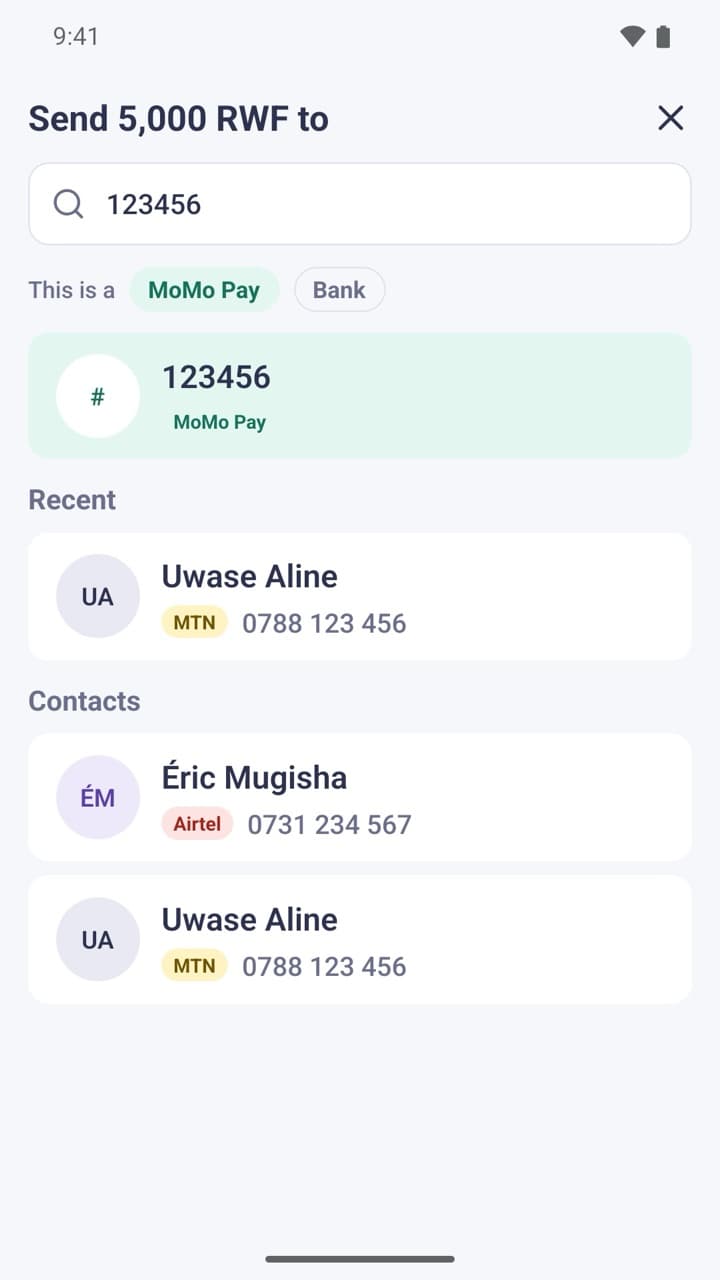
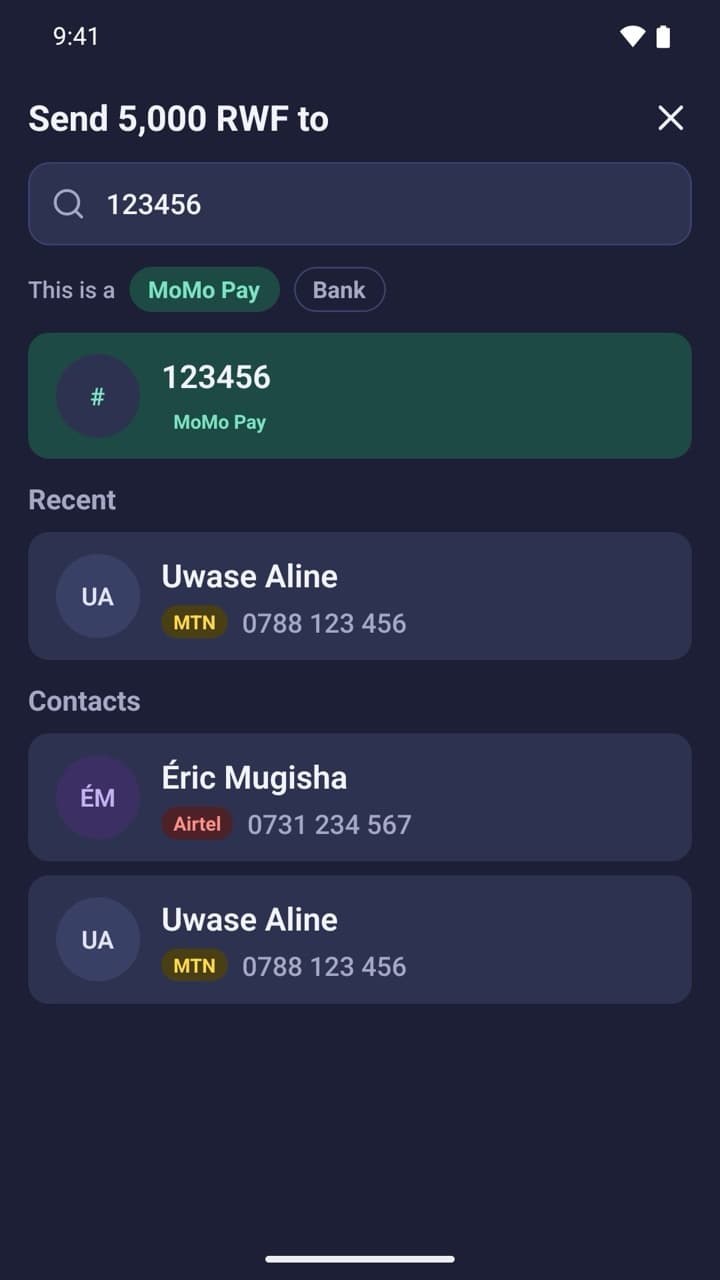
Mobile money without the menus.
Milvaflow is coming to Google Play for Android phones with an MTN Rwanda SIM. Standard MTN Mobile Money fees apply.
Milvaflow is not affiliated with, endorsed by or sponsored by MTN Rwanda. MTN and MoMo are trademarks of their owners.